WebRTC Camera Test Guide: Permissions, ICE, and IP Exposure
Troubleshoot WebRTC camera and microphone permissions, understand ICE candidate types, and investigate browser connectivity or IP-exposure concerns.
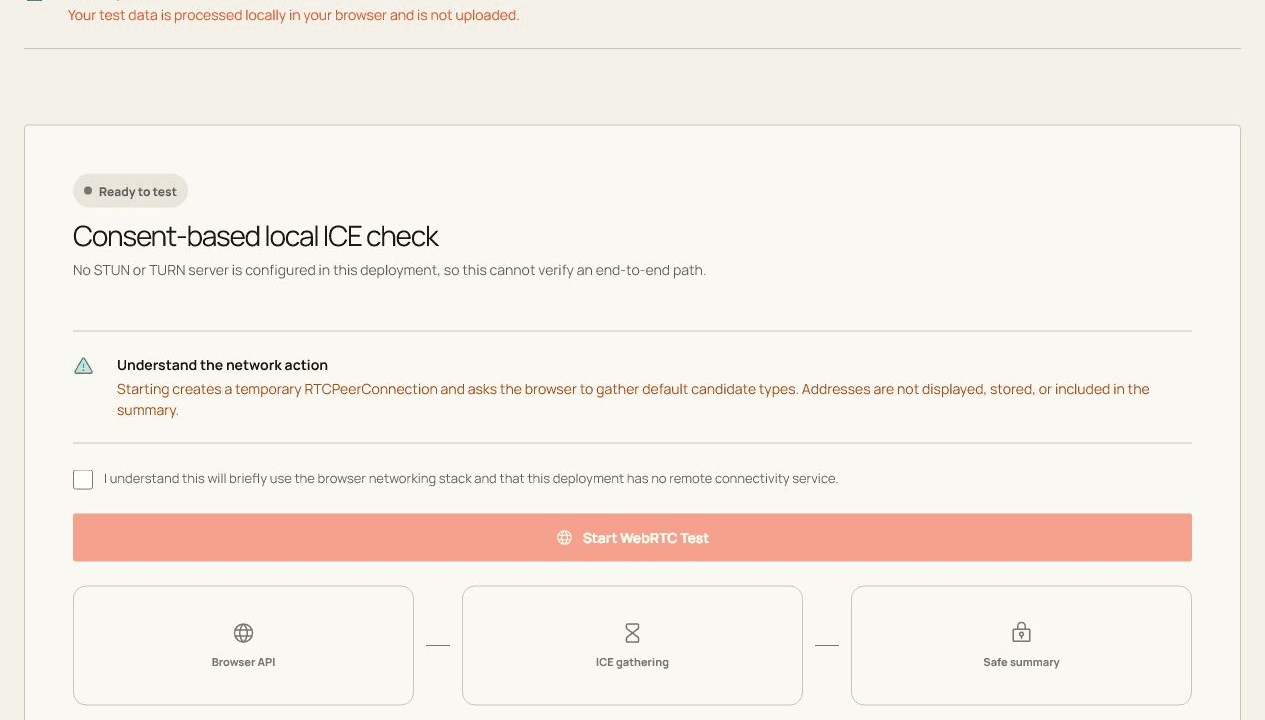
WebRTC is a connection stack, so one failed check does not automatically mean the camera, network, or browser is broken.
Before you start
Close competing apps, connect the device directly when possible, and keep this tab visible while the test runs.
Open the live toolRun the check step by step
- Read the network privacy notice before explicitly starting the test.
- Create a temporary peer connection and gather local default ICE candidates without displaying addresses.
- Close the connection and summarize candidate types and gathering state.
How to read the result
Read permission, device capture, ICE gathering, and peer connection as separate stages. A failure at one stage narrows the cause without proving that every WebRTC site will behave the same way.
What the browser cannot prove
- Without a configured remote service, this checks local capability and gathering rather than end-to-end connectivity.
- The page never claims that a firewall passed when no remote path was verified.
Common questions
Is the WebRTC Test private?
The page explains any network activity before it starts. Raw device input is never included in analytics.
Why can browser results differ from another app?
Browsers, operating systems, permissions, device routing, and background load can all change what is exposed and measured.