How to Test a Microphone Online and Hear the Playback
Run a microphone test online, record a short sample, and separate permission, input-level, clipping, and playback problems.
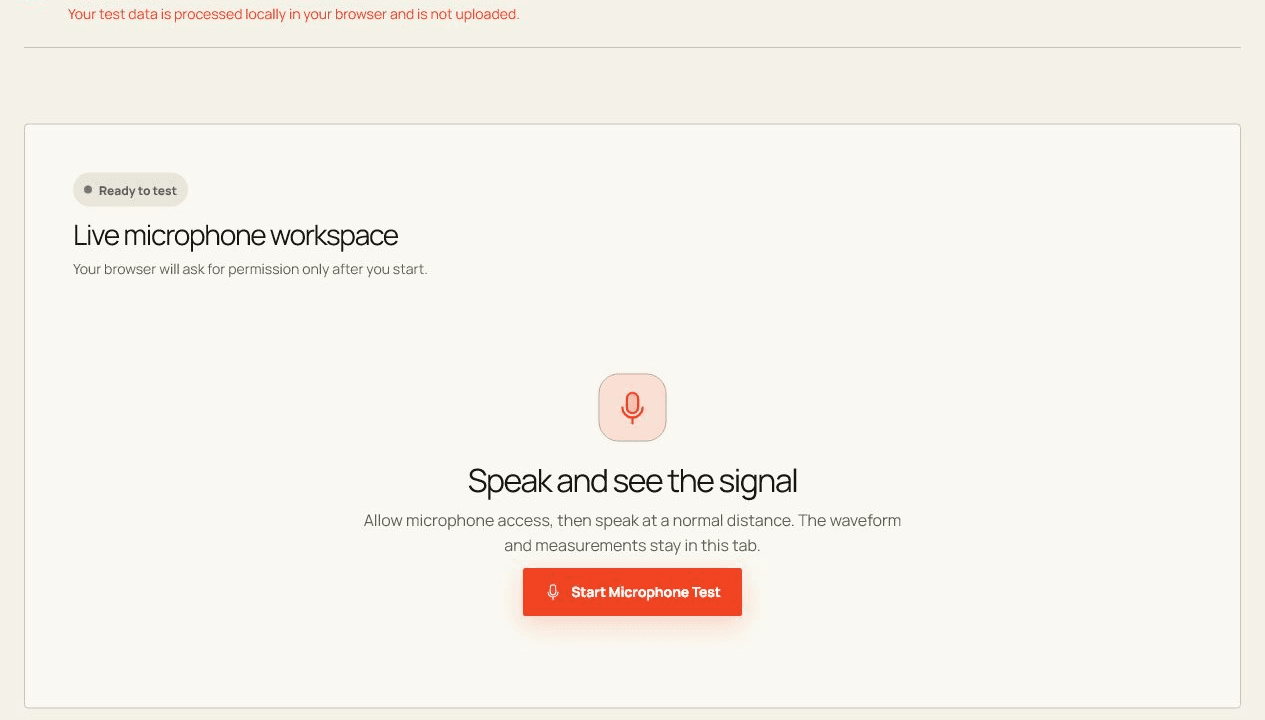
A moving level meter proves that the browser receives a signal; listening to a short local recording tells you whether that signal is actually clear and usable.
Before you start
Close competing apps, connect the device directly when possible, and keep this tab visible while the test runs.
Open the live toolRun the check step by step
- Choose Start Microphone Test and allow microphone access in your browser.
- Speak normally while the local audio analyzer measures level and peak activity.
- Optionally make a short local recording or run the guided quality check.
How to read the result
Look for steady speech peaks without repeated clipping. If the meter moves but playback is silent, check the selected output device before changing the microphone.
What the browser cannot prove
- Measurements describe the stream delivered to this browser, not the microphone hardware in every app.
- Approximate dBFS, noise, and clipping indicators are diagnostic hints rather than laboratory measurements.
Common questions
Is the Microphone Test private?
Yes. Test input is processed in this tab and is not uploaded by this tool.
Why can browser results differ from another app?
Browsers, operating systems, permissions, device routing, and background load can all change what is exposed and measured.